

If you’re building WordPress sites in 2026, you’ve probably heard the debate. Should you go with the GeneratePress theme plus GenerateBlocks combo, or should you switch to Bricks Builder?
Here’s the thing. Both options are fast and clean. Both will give you 95+ scores on PageSpeed Insights. But they work in completely different ways, and picking the wrong one for your project can cost you time and money.
I’m going to break down exactly what each option does best, who should use them, and how to decide which one fits your needs.
What’s the Difference Between These Two Approaches?
Before we get into the details, you need to understand the basic difference.
GeneratePress + GenerateBlocks works with WordPress’s native Gutenberg editor. You’re building with blocks, just like you’d write a blog post. GeneratePress is the theme that handles your site structure, and GenerateBlocks adds more powerful design blocks on top.
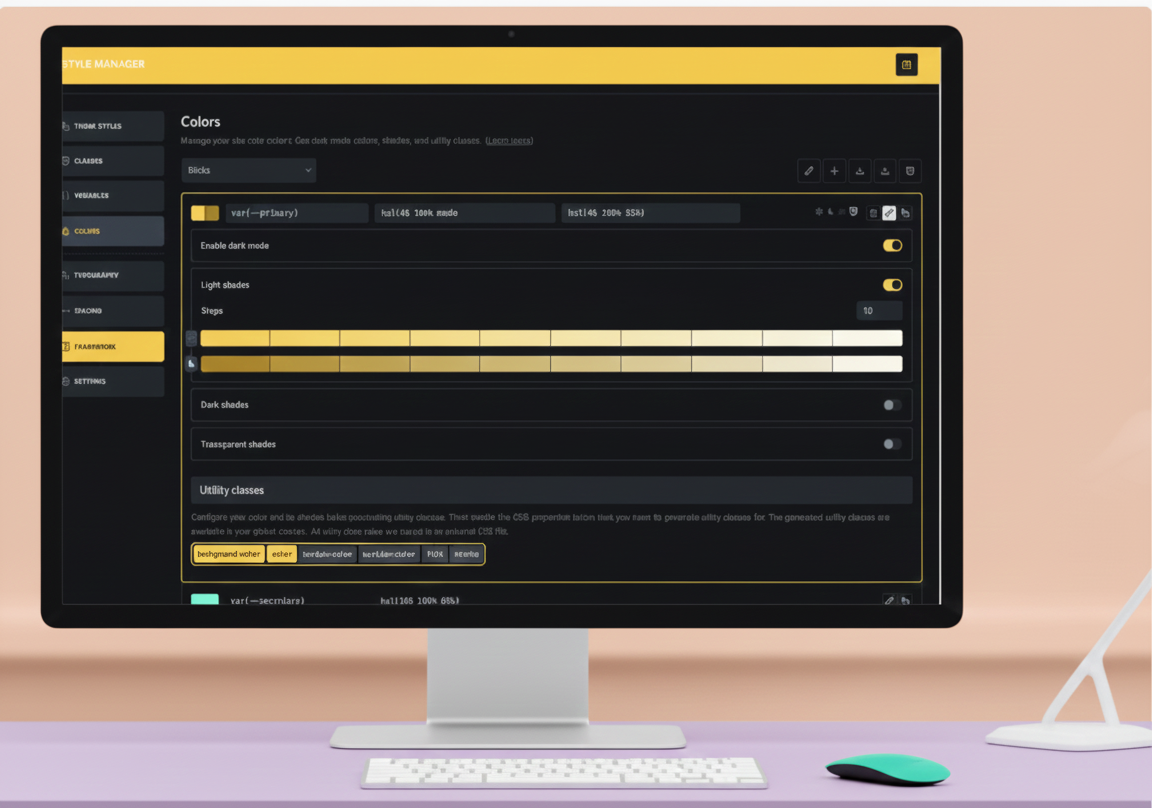
Bricks Builder is a theme and visual builder in one. You get a completely different editing interface that lets you build everything visually. It’s a true site builder that replaces both your theme and the standard WordPress editor.
Both are fast. Both are clean. But your workflow will be totally different.
GeneratePress + GenerateBlocks: The Details
How It Works
GeneratePress is one of the most popular WordPress themes out there. Over 6 million downloads and counting. The free version gives you a lightweight base at just 7.5KB with only 2 HTTP requests.
When you add GenerateBlocks, you get access to four main blocks: Container, Grid, Headline, and Button. Sounds simple, right? But these four blocks are incredibly powerful because they have deep customization options built in.
You can build pretty much any layout with just these blocks. The free version works, but the Pro version ($99/year) adds patterns, global styles, and animations that speed things up a lot.
Pricing Breakdown for 2026
Here’s where it gets a bit complicated. GeneratePress changed their pricing recently and dropped lifetime plans (though some users grandfathered in still have them).
Current pricing:
- GP Premium: $59/year for unlimited sites
- GenerateBlocks Pro: $99/year
- GeneratePress One: $149/year (includes GP Premium + GenerateBlocks Pro + pattern library)
Most people should just get GeneratePress One if they’re serious about this stack. You save money and get everything in one package.
Who Should Use GeneratePress + GenerateBlocks?
This combo works best for:
Content creators and bloggers. If you’re writing lots of blog posts and want a clean, distraction-free writing experience, this is perfect. Your writers can use the same block editor for everything.
Teams with limited technical skills. Since it uses Gutenberg, anyone who knows WordPress can jump in and start editing. No learning curve for a new builder system.
People who want to future-proof their sites. As WordPress continues developing Gutenberg, your site will naturally benefit from those improvements.
Budget-conscious site owners. At $149/year for everything, it’s cheaper than most alternatives.
The Pros
- Works with WordPress’s native editor (no context switching)
- Extremely lightweight and fast
- Clean, semantic HTML output
- Great for SEO right out of the box
- Works with any page builder if you want options
- Excellent support team that actually teaches you
- Regular updates and improvements
- 100+ starter sites included with Premium
The Cons
- Learning curve if you’re coming from visual builders like Elementor
- Limited templates compared to visual builders
- Not as fast for complex custom designs
- Free version is very basic (you’ll want Pro)
- No drag-and-drop interface (it’s block-based)
- Some advanced features require combining multiple blocks
Bricks Builder: The Details
How It Works
Bricks came out in 2021 and quickly gained a following. It’s not a plugin. It’s a theme with a page builder built right in.
When you activate Bricks, you get a visual editor for everything. Header, footer, pages, posts, WooCommerce templates. You can see what you’re building in real-time and adjust it on the screen.
Bricks uses Vue.js 3, which makes the editor incredibly fast. People who switch from Elementor or Beaver Builder usually notice the speed difference immediately.
Pricing for 2026
Bricks pricing has changed over the years. Here’s what it looks like now:
Yearly plans:
- Starter: $79/year for 1 site
- Business: $149/year for unlimited sites
Lifetime option:
- Ultimate: $599 one-time payment for unlimited sites
The lifetime deal used to be much cheaper ($99-$249), but those days are gone. Still, if you’re building client sites or managing multiple projects, the lifetime option pays for itself.
Important note: Bricks will increase prices again in 2025/2026 as they release version 2.0. If you’re interested, grab it now before it goes up.
Who Should Use Bricks?
Bricks is better for:
Designers and developers who want complete visual control. If you’re building custom agency sites or unique branded experiences, Bricks gives you the freedom to create whatever you can imagine.
People building complex layouts. Custom loops, dynamic content, WooCommerce sites with custom product pages. Bricks handles this stuff better than block-based editors.
Freelancers and agencies managing multiple client sites. The visual interface makes it easier to hand off to clients, and you can build faster once you know the system.
Anyone switching from Oxygen Builder. Bricks is basically the natural upgrade path if Oxygen feels too complicated.
The Pros
- Visual editing for everything (header to footer)
- Super fast editor and page loads
- 50+ elements with more being added
- Excellent for dynamic content and custom post types
- Works great with ACF and Meta Box
- Clean code output
- No jQuery dependencies
- Lifetime license available
- Growing community and third-party add-ons
- Query loop builder for custom displays
- Global elements and styles
- Can convert pages to/from Gutenberg
The Cons
- Steeper learning curve than Gutenberg
- Limited template library compared to Elementor
- No popup builder (yet)
- Some marketing integrations missing
- Switching themes means rebuilding your site
- Newer product (less mature than GeneratePress)
- No free version to test (but there’s a sandbox)
- Higher upfront cost
Performance: How Do They Actually Compare?
Both options are fast. Like, really fast. You’ll see 95+ on PageSpeed Insights with either one if you set things up correctly.
GeneratePress is slightly lighter because it loads less by default. But Bricks is also built for performance with features like:
- Lazy loading for images and videos
- Conditional CSS loading
- Native SVG support
- Minimal HTTP requests
In real-world testing, most people won’t notice a difference between the two. Your hosting, images, and plugins will affect speed more than your choice between these builders.
The Design Workflow: Block Editor vs Visual Builder
This is where things get interesting.
Working with GeneratePress + GenerateBlocks
You build pages by adding blocks and configuring them. It feels like writing a document with styled sections. You’re working more with settings panels than dragging things around.
At first, this feels slower if you’re used to visual builders. But once you get the hang of it, you can move pretty fast. The Pro version includes 200+ patterns that you can drop in and customize.
The biggest advantage? Everything you build works in the standard WordPress editor. Any content editor on your team can jump in without training.
Working with Bricks
You see your design update in real-time as you build. Want to move that section? Drag it. Want to change the background? Click and adjust. It’s more intuitive for visual thinkers.
The structure panel shows you exactly how everything is nested. The settings are consistent across elements. Once you learn the interface, you can build complex sites incredibly fast.
The downside? It’s a proprietary system. If you ever switch themes, you’ll need to rebuild your designs.
Which One Should You Actually Choose?
Here’s my honest take after looking at both options in 2026.
Choose GeneratePress + GenerateBlocks if:
- You run a blog or content-heavy site
- You have multiple people editing content
- You want something that will work well with future WordPress updates
- You’re on a tighter budget
- You like working with WordPress’s native tools
- You value simplicity over visual complexity
- Your clients need to manage their own content easily
Choose Bricks if:
- You’re building custom designs for clients
- You want maximum visual control
- You work with a lot of dynamic content
- You’re comfortable learning a new system
- You’re building WooCommerce stores with custom templates
- You value speed in your build process once you’re trained
- You can afford the higher upfront cost
What About Using Both?
Some developers actually use both. They’ll use GeneratePress + GenerateBlocks for content sites and blogs, then switch to Bricks for complex agency work or WooCommerce projects.
There’s nothing wrong with this approach if you’re managing different types of projects.
Real User Experiences
Looking at what people actually say about these tools helps a lot.
GeneratePress + GenerateBlocks users consistently praise the support team, the clean code, and how easy it is to hand off to clients. The main complaint is that it takes longer to build complex designs compared to visual builders.
Bricks users love the speed of the editor and the visual workflow. They appreciate the lifetime pricing option. The main complaints are about the limited template library and the fact that some features are still missing compared to more mature builders.
The Bottom Line for 2026
Both options are solid. You can’t really go wrong with either one if you pick the right tool for your use case.
GeneratePress + GenerateBlocks is the safer, more WordPress-native choice. It’s perfect for content sites, blogs, and teams. At $149/year for everything, it’s also more affordable.
Bricks is the better choice for visual builders, designers, and anyone who needs maximum control over complex layouts. The lifetime option makes sense if you’re in this for the long haul.
My recommendation? If you’re not sure, start with GeneratePress One. Use it on a few projects. If you find yourself fighting the block editor and wishing for more visual control, then try Bricks. The $599 lifetime investment might be worth it.
But if GeneratePress works for you? Stick with it. It’s fast, it’s clean, and it’s not going anywhere.
FAQ
Can I switch from GeneratePress to Bricks later?
Yes, but you’ll need to rebuild your pages. Bricks can convert Gutenberg blocks to Bricks format, but it’s not perfect. Plan on spending time recreating your designs if you switch.
Is Bricks really faster than GeneratePress?
Both are fast. Bricks gives you a faster visual editing experience. GeneratePress might be slightly lighter on page load. The difference is minimal in real-world use.
Do I need to know coding to use either option?
No coding required for basic use with either option. But knowing some CSS helps with both, especially for custom designs. Bricks has a steeper learning curve, but you still don’t need to code.
What happens if I stop paying for these?
With GeneratePress, you keep your site but lose updates and support. Same with Bricks yearly plans. The Bricks lifetime license means you keep everything forever.
Can I use GenerateBlocks without GeneratePress?
Yes. GenerateBlocks works with any WordPress theme. But it pairs best with GeneratePress because they’re built by the same team and designed to work together.
Which one has better customer support?
Both have excellent support. GeneratePress users consistently praise the support team for being helpful and educational. Bricks support is also good and responsive, though the community is smaller since it’s newer.
Is the Bricks lifetime deal worth it in 2026?
If you’re building multiple sites or client sites, yes. At $599 for unlimited sites forever, it pays for itself after a few years compared to yearly plans. But the pricing will likely increase, so grab it sooner rather than later.